


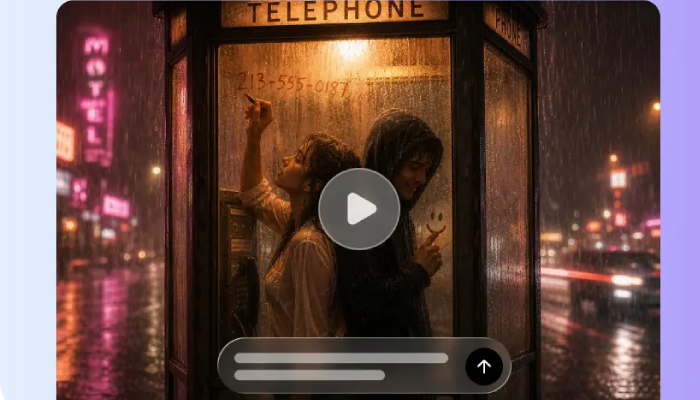
Small timing adjustments can make a world of difference in advertising videos. Movement can be reshaped (not replaced) by reversing playback, looping, and speed changes. These techniques can be used to achieve surprise, rhythm, urgency, or clarity. Pippit offers an AI-assisted platform for creating promotional videos and editing the AI-generated content. Careful use of timing effects enhances communication rather than adding distracting ornamentation.
Understanding Reverse, Loop, and Speed Effects
Reverse playback allows recorded movement to be played in reverse order, as if the time is going backwards. A pouring liquid can seem to go back in its container, for instance. This provides an unanticipated reveal or transition that will immediately catch the eye. Loops are a repetition of a chosen sequence to provide rhythm around demonstrations, gestures, or satisfying movements. Seeing time differently and controlling the rate at which viewers receive the visual information is done by changing speed. These effects can be utilized in an AI movie sequence when the timing makes sense to the visual story. The message should dictate which technique to use, as each will have a different purpose. Reverse is about surprise, looping is about repetition, and speed is about information density and/or momentum. After creating an initial promotional video, Pippit helps to tweak these options.
When Reversing a Clip Can Strengthen an Ad
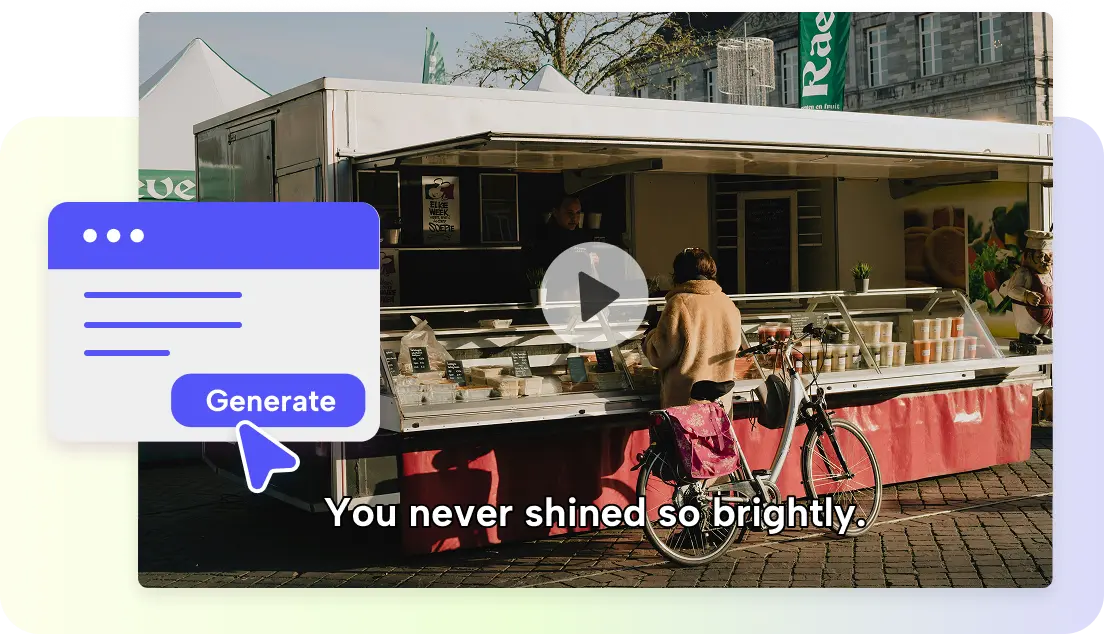
Backward motion is best if it is still possible to see the picture in the reverse direction. Product reveals can be made to stand out by bringing an object back to its original location. Another common method of connecting two scenes with a jolt in the projection is a short reverse segment. Pippit can be used to create promotional sequences, adding a contrast without it being too much. Reverse moments are a good way to interrupt a story in a story studio concept when the story requires it. Use reversed footage with appropriate captioning or sound cues to make purposeful movement understandable. Do not encourage reversals if they make the product’s use seem wrong or misleading. For instance, if the footage is assembled in reverse, it can be difficult for the audience to understand the proper sequence of operation. If the product must be understood immediately, do not use reverse sections that are too long.
Using Loops to Emphasize Repetitive Product Actions
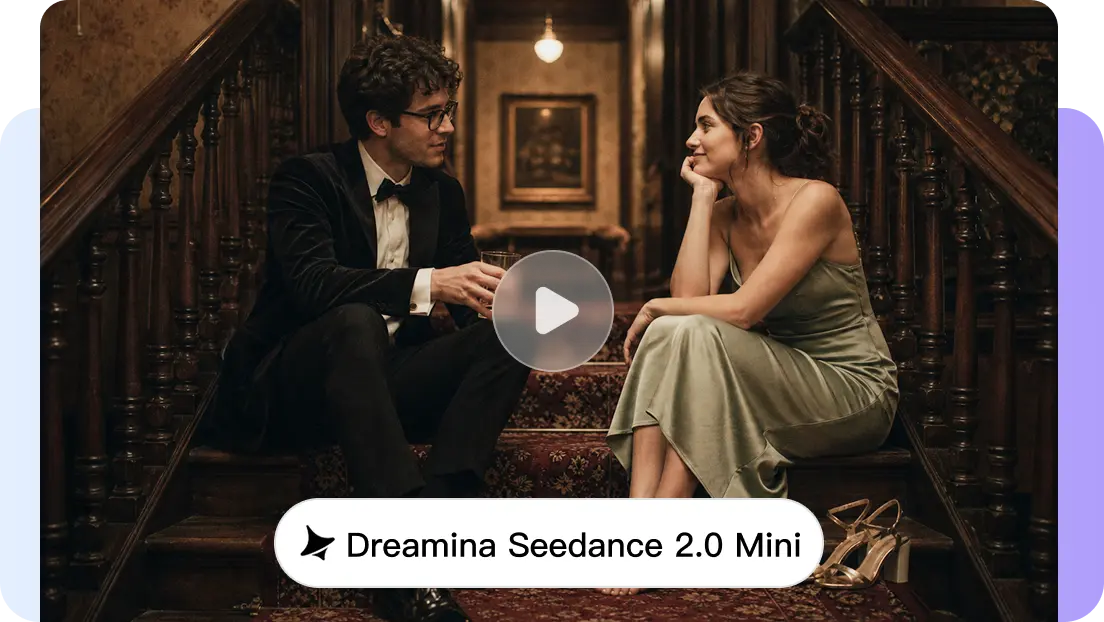
Actions that are visually satisfying or have clear repetition are naturally suited to loops. Repeated sequences are useful for product demonstrations, object rotations, applying products, and opening packages. A short loop can highlight a transformation and produce a catchy visual beat. Loops that increase benefit are more effective than loops that increase runtime on an ad maker. Match loop length with music, captions, and adjacent transitions for smoother pacing. Don’t show the same footage over and over again, as this can make an advertisement seem overly long. Selectively use loops when the repeated action provides another opportunity for viewers to see the product.
Steps to reverse, loop, or speed up clips with Ad Maker
Step 1: Select your clip and set the effect
- Sign up for Ad Maker using your Google, TikTok, or Facebook account info.
- Navigate to the “More” tab on the left vertical menu bar and click it to access “Video generator”.
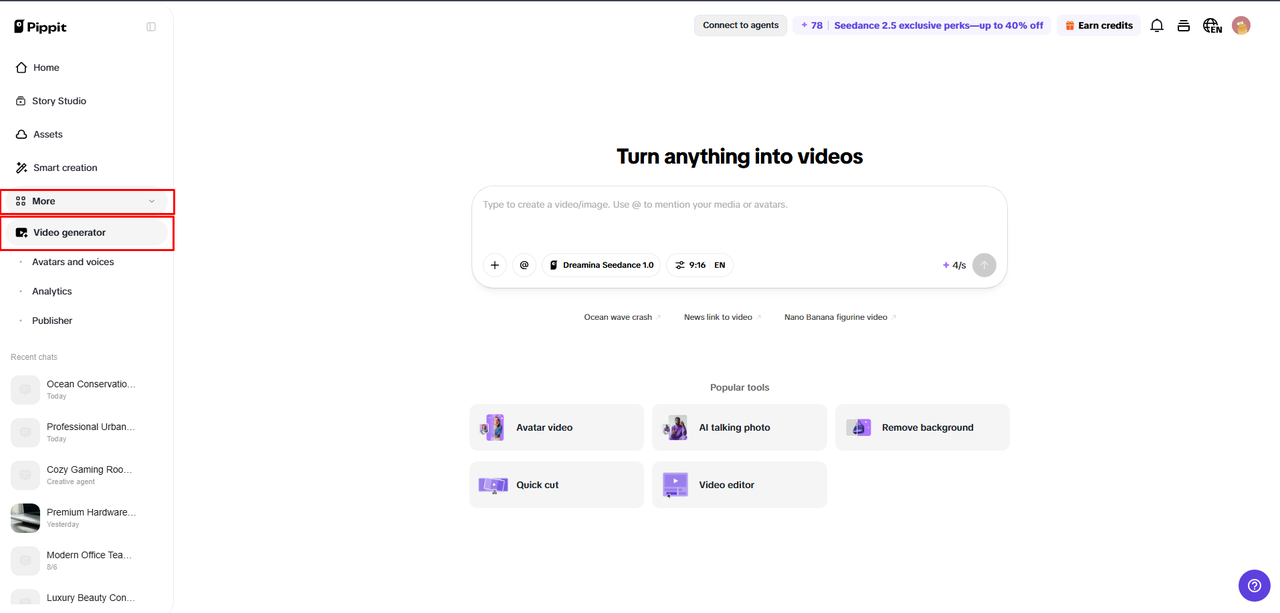
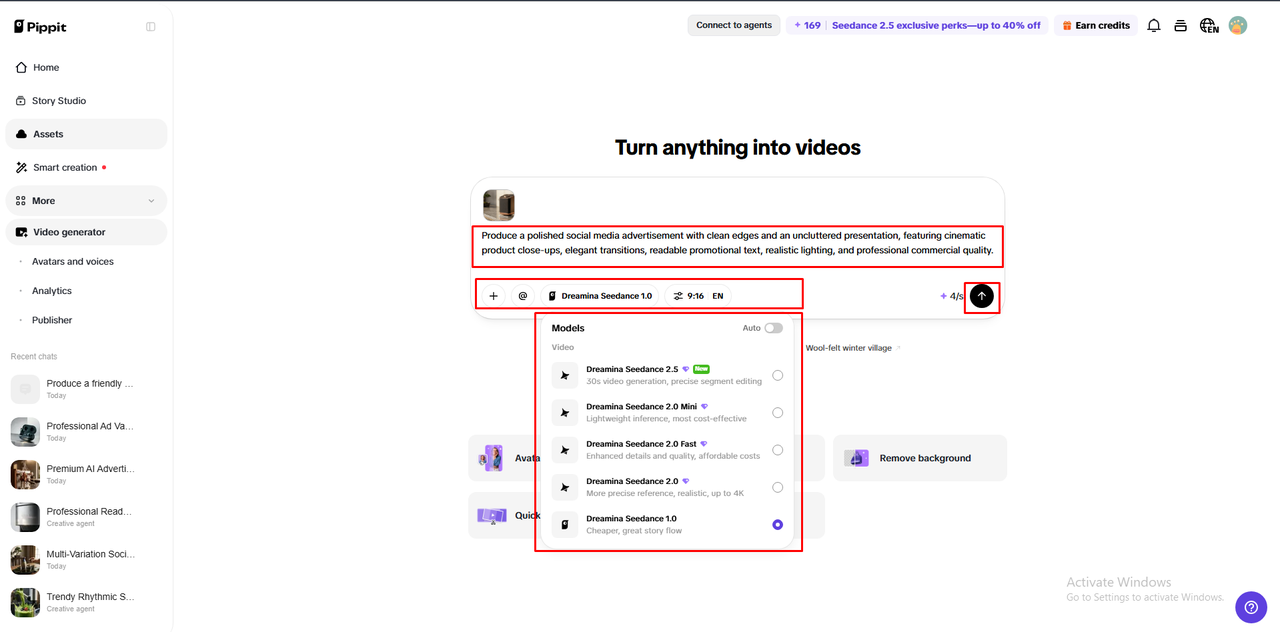
- Select an AI model, such as Dreamina Seedance 1.0, Dreamina Seedance 2.0, Dreamina Seedance 2.0 Fast, Dreamina Seedance 2.0 Mini, or Dreamina Seedance 2.5.
- Enter a detailed prompt describing the clip, product details, camera angles, text, and whether scenes should be reversed, looped, or sped up.
- If needed, select the video length, language, subtitles, and aspect ratio.
- Click “+” to upload reference images or videos from your device, phone, Dropbox, or a link. You can also select assets without reference media.
- Once ready, click “Generate”.
Step 2: Generate and review the clip
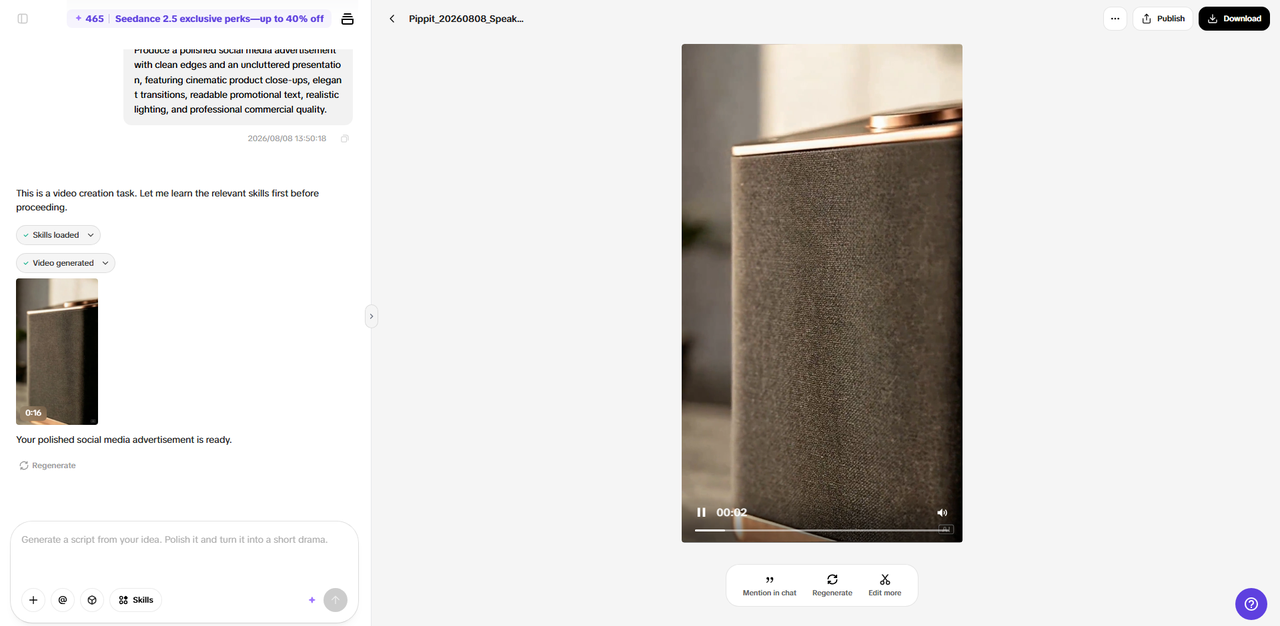
- After clicking “Generate”, Ad Maker creates the video ad from your prompt and reference media.
- The AI handles transitions, pacing, captions, avatars, voice, lyrics, and visual enhancements.
- You will receive a video ad draft to check the clip order, speed, and repetition.
Step 3: Apply effects and export
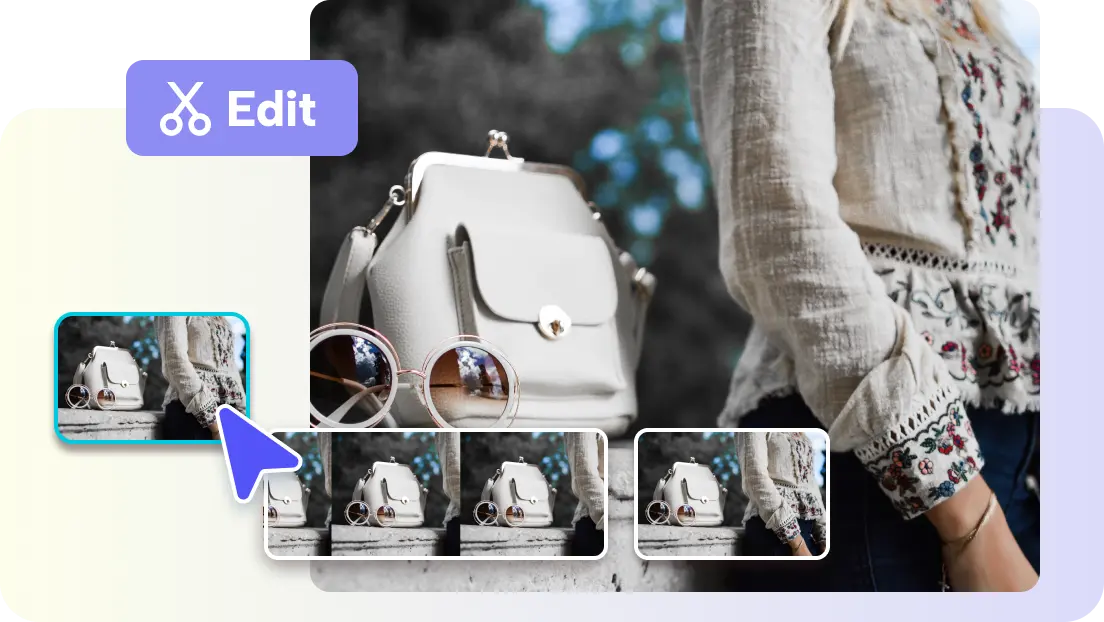
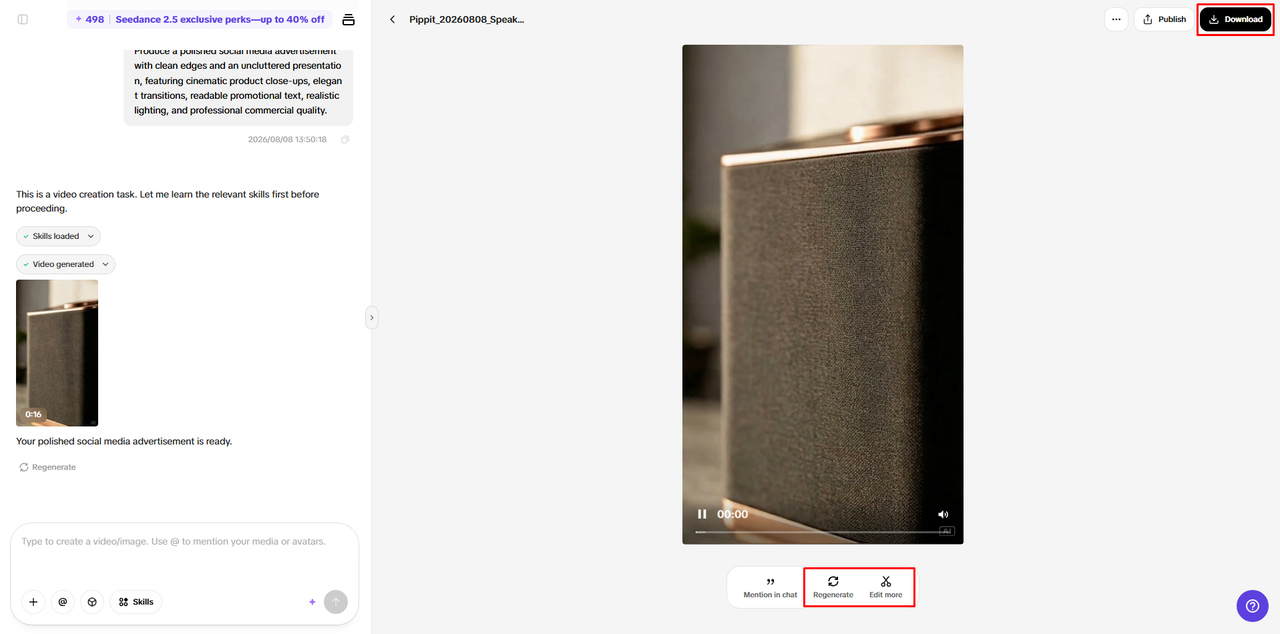
- Click “Download” in the top right corner to save the video locally. Click “Regenerate” for another result or “Edit more” under the video for more control.
- Edit captions manually, add text, and adjust size, color, alignment, filters, and effects. Apply reverse, loop, or speed effects as needed.
- Add background music, remove backgrounds, and fine-tune the visuals.
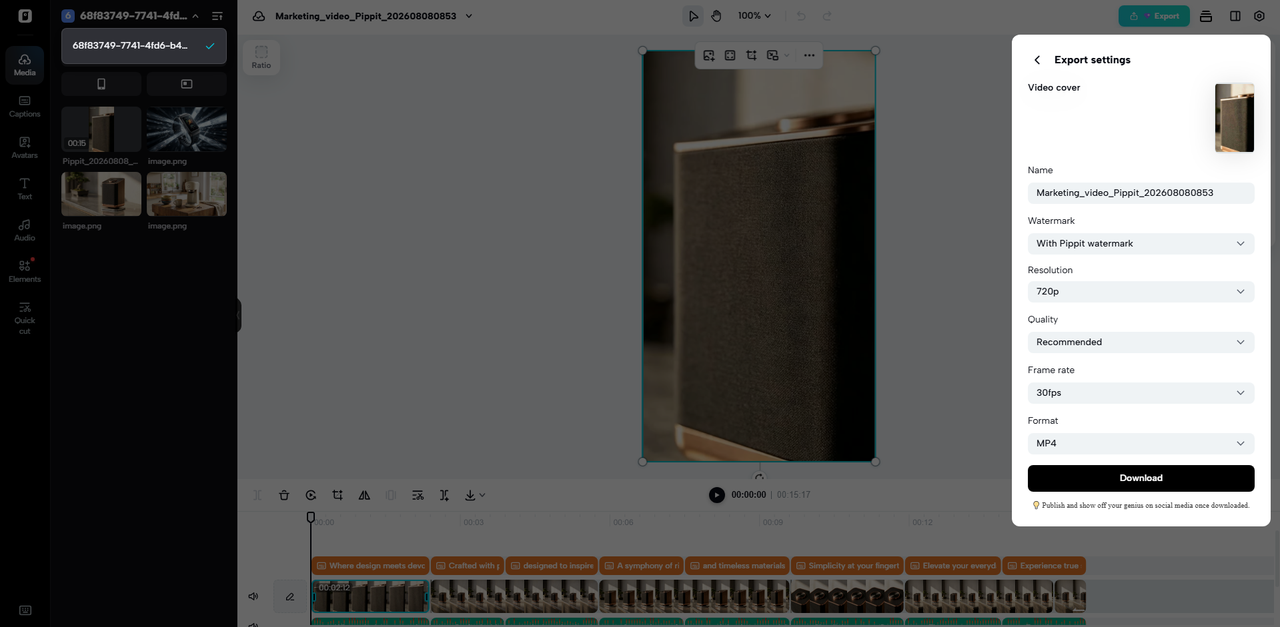
- When ready, click “Export” in the top right corner.
- Select “Publish” to post directly to TikTok, Instagram, or Facebook, or click “Download” to save it with your preferred format, resolution, frame rate, and quality.
Speeding Up Clips Without Losing the Core Message
Repetitive actions can be compressed and have more visual momentum when played back faster. Often, scenes for preparation, routine movements, and secondary information are suitable for higher speeds. This strategy will help you maintain short ads focused and keep the most crucial moments intact. But key demonstrations must be given sufficient time to explain the product functionality. After creating an advertising sequence, Pippit allows editors to tweak visual timing. Captions need to be legible at faster-than-normal playback speeds. Match the length of captions to the amount of information viewers need to absorb. Slow playback can also help to emphasize key details, textures, transformations, or product interactions. Don’t just use the same speed throughout each shot; consistent pacing can make for a less interesting viewing experience.
Combining Timing Effects with Music, Captions, and Transitions
When the timing is synced with the audio and visual structure of the advertisement, the timing effect is stronger. The speed can go up or down, depending on the music’s accent or on the points of energetic transition. Loops can be used to produce a repeating visual beat that can help keep a consistent musical rhythm. Reverse segments may be used as a transition between different contrasting scenes or product moments. When playback speed is changed, the captions might need to be moved or the length adjusted. A faster clip will make the reading window for important text shorter.
On the other hand, if the footage is slow, then captions might appear on the screen for too long. Don’t use too many reverses, loops, speed changes, and heavy transitions in each scene. A single obvious timing effect is often more effective in conveying a concept than multiple conflicting effects.
Creative Rules for Keeping Timing Effects Purposeful
The effects of timing are supposed to enhance communication, not just show editing skills. Maintain product recognition during the changes of footage direction and playback speed. Maintain effects that match the tone and audience of the ad and its visual presentation. Test all the transitions between regular and altered playback. Look at the movement and see if it is still natural enough to convey the message. While generating scenes, Pippit can help fine-tune them and keep visual and textual elements consistent. Check captions, audio sync, scene sequencing, and product visibility prior to export. Consider if accelerated sections are still conveying the necessary information. When suitable, an effective advertisement should be lively, yet should be unified in character. These checks ensure that creative effects don’t divert the eye from the product.
Creative Timing Checklist
- Reverse playback for reveal, transition, or unexpected visual moments.
- Use loops when repeated motion accentuates a product benefit.
- Speak faster for routine actions and secondary information.
- Reduce the pacing of significant demonstrations when the viewers require more visual clarity.
- Sync timing with text, music, and other effects.
- Maintain product recognition when altering the direction of movement or speed of movement.
- Preview all the modified clips before exporting.
- Eliminate effects that detract from the message of the ad.
Conclusion
Simple ways to reshape advertising footage include reverse, loop, and speed adjustments. Reverse playback makes for surprise – particularly on reveals and transitions. Loops highlight repeated actions and can create memorable visual rhythm. Changes in speed add to the control of the momentum while compressing or emphasizing routine sequences or important details. Pippit has AI-powered video creation and editing features to enhance creativity. Controlled experimentation aids in the determination of effects that support the central message of the advertisement. Every adjustment should be for product clarity, audience attention, or flow of narrative. Ordinary footage can take on stronger visual character with timing effects that serve those purposes.